Field service app for your crew: their day, jobs and timesheets on their phone
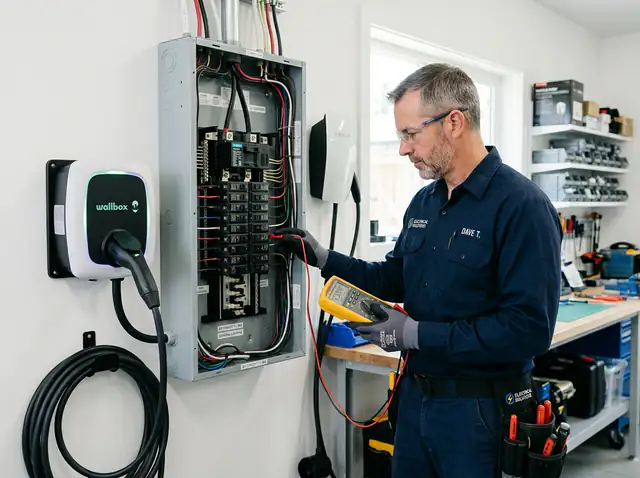
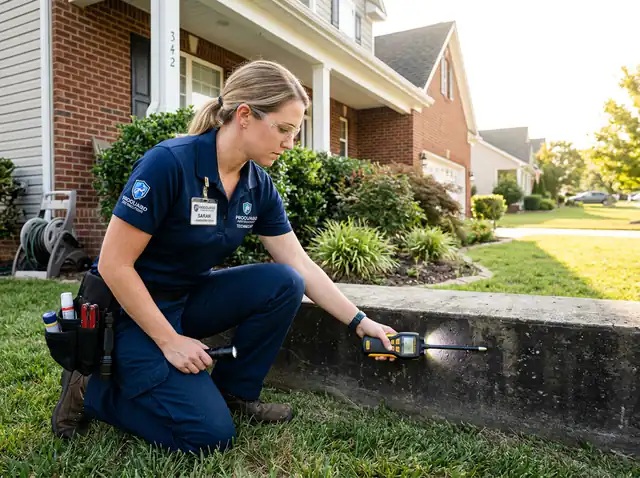
Every crew member gets their day on their phone: where to go, what to do, the checklist, photos and the client’s signature — even without signal.
- No credit card to start
- From $44/month
- Every feature in the trial

Crew app that save you hours every week
No more paper
Notes, photos, checklists and signatures are saved on the visit, for the office to see.
Less phone calls
The address, access notes and the job history are right there.
Easy for everyone
Works in English or Spanish, on any iPhone or Android, and keeps working without signal.
How it works in WrenCrew
Open My Day
Today’s visits in order, with the address and notes.
Send “on my way”
One tap tells the client you are coming.
Do the work
Fill in the checklist, add photos, get a signature.
Mark it done
The office sees it instantly and can invoice.
My Day
Each person sees their own visits for today and the week.
Photos and notes
Before-and-after photos and notes saved on the visit.
Signatures
Clients sign on the phone screen when the work is done.
Works without signal
Keeps working in basements and rural areas; syncs when back online.
Checklists and job forms
Inspections, readings and steps, filled in on site.
Clock in and out
Time linked to each job; timesheets export as CSV.
Clock-in reminders on arrival
A reminder when they arrive at the job.
English or Spanish
Each person chooses their language.
Trades that rely on crew app
See how WrenCrew is set up for your trade.



Questions about crew app
Does my crew need to download an app?
No. The crew app works in the phone’s browser on any iPhone or Android and can be added to the home screen.
Does it work without signal?
Yes. It keeps working without signal and syncs when the connection is back.
Can crew members see my prices?
No. Field workers see their visits and the job details they need, not your prices or reports.
Can I track hours for payroll?
Yes, on Connect and Grow: clock in and out on each job, approve timesheets and export them as CSV.
More features
All featuresQuotes and estimates
Quotes clients approve, sign and pay a deposit on — with follow-ups when they go quiet.
Learn moreScheduling and dispatch
Drag-and-drop schedule, recurring visits, route map and “on my way” texts.
Learn moreInvoicing and payments
One-click invoices, card payments, deposits, autopay and payment reminders.
Learn more