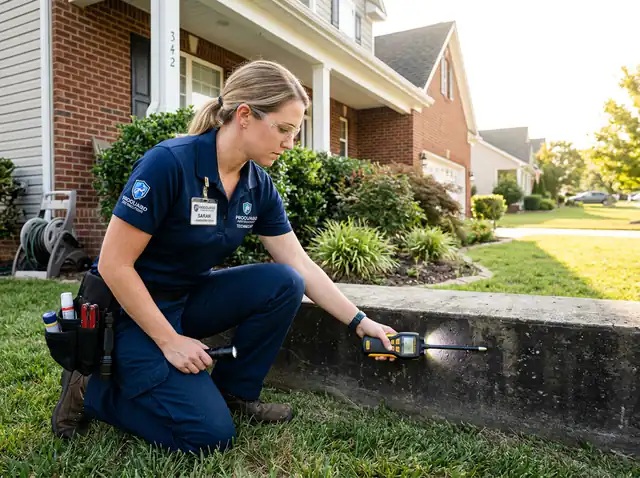
The problem
Clients shop three fence companies.
With WrenCrew
Send a clear quote with material options and photos before you leave — often the first good quote wins.
Quote by the linear foot, let clients pick the material, take a deposit for supplies and schedule the crew — all from one app.
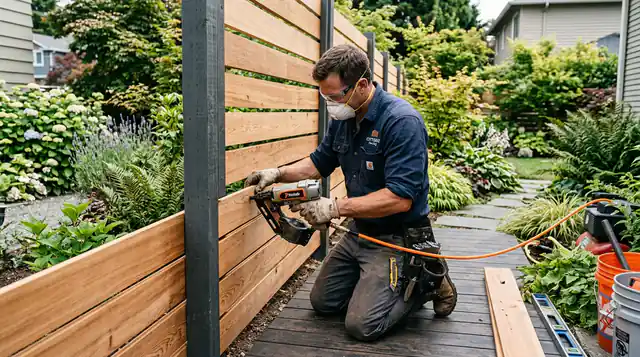
Fence contractor software helps you turn measurements into quotes fast, collect deposits for materials and keep install crews busy without double bookings.
With WrenCrew you save your prices per linear foot for each fence style, plus gates, post caps and removal. On the site visit you build the quote, add photos and offer wood, vinyl or aluminum as options. The client chooses, signs and pays the deposit online.
Install crews see the job, the layout notes and photos on their phones. When the fence is up, the final invoice goes out with the deposit already taken off.
Three problems we hear from fence contractors — and what WrenCrew does about each one.
Send a clear quote with material options and photos before you leave — often the first good quote wins.
Ask for a deposit on the quote so supplies are covered before you order.
Notes, photos and measurements stay on the job for the install crew.
Win the job, run the day and get paid — in one app made for fence contractors.
Offer wood, vinyl or aluminum side by side. The client compares the prices, picks one and signs.
Backyard privacy fence
Layout notes, property line comments and photos are on the job. Crews clock in when they arrive.
Send the final invoice from the job; the deposit is taken off and the client pays by card.
No paper, no double entry: the office, the crew and the client see the same up-to-date job.
A request for a backyard privacy fence comes in from your website
You measure, take photos and send a quote with wood and vinyl options
The client chooses vinyl, adds a second gate and pays the deposit
The crew sees the layout notes and photos in My Day
The final invoice is paid by card when the fence is finished
Your office, your crew and your clients — connected.
Options, photos and optional extras. Automatic follow-ups when clients go quiet.
Clients pick a time on your booking page or website — with a deposit if you want.
Drag-and-drop schedule, route map and a "My Day" app for every crew member.
Invoice in one click. Clients pay by card or bank; the money goes to your own Stripe account.
Reminders, "on my way" texts and a two-way inbox for client replies.
A fast website made for your trade, with your services, reviews, a quote form and booking.
Ask for Google reviews after the job and reward clients who send friends.
The app and the messages your clients receive work in English or Spanish.
Getting your prices right matters more than any tool. Here is what works for fence contractors:
Every plan includes unlimited clients, quotes and invoices, card payments and a website. No contract.
For the solo pro who wants to run the whole business from one easy app.
For pros who want to automate the busywork and turn repeat work into 5-star visits.
For contractors who want to win bigger jobs and grow more profitably.
Try every feature free for 14 days — no credit card needed. Compare all plans
Still wondering if WrenCrew fits your fencing business? Try it free with your own jobs and clients.
Yes. Save a price per foot for each style and enter the quantity on the quote.
Yes. Put each material as an option on one quote; the client picks one when they approve (Grow plan).
Yes. Add photos and files to the quote and the job.
Yes. The client pays the deposit by card when they approve the quote.
Plans start at $44 a month for one user ($26 a month paid yearly), and the website is included on every plan. Try everything free for 14 days — no card needed to start.
Yes. Work in pounds, add VAT to quotes and invoices, and send texts and emails to your clients the same way.
Yes. Import a spreadsheet (CSV) of your clients and services; exports from other field service apps are matched for you.
The same app, set up for the way each trade works.